
 webmail login

- Create a custom domain & sub-domain
- Set up auto-replies, rules, folders
- Create unlimited mailboxes
- Communicate & store emails securely
- Share your email
- Create email groups & aliases
- Access your email remotely
- Archive email securely
- Best performance email service
- Fast delivery with high privacy laws
- No hidden cost or extra fees
- Easy and fast setup
Same features as Hosted Exchange
at a fraction of the cost!
The best alternative to hosted Exchange for your hosted email and calendar.
Just at €2.99/month, cancel anytime.
UNIQUE FEATURES
Why use myexchange.rocks?
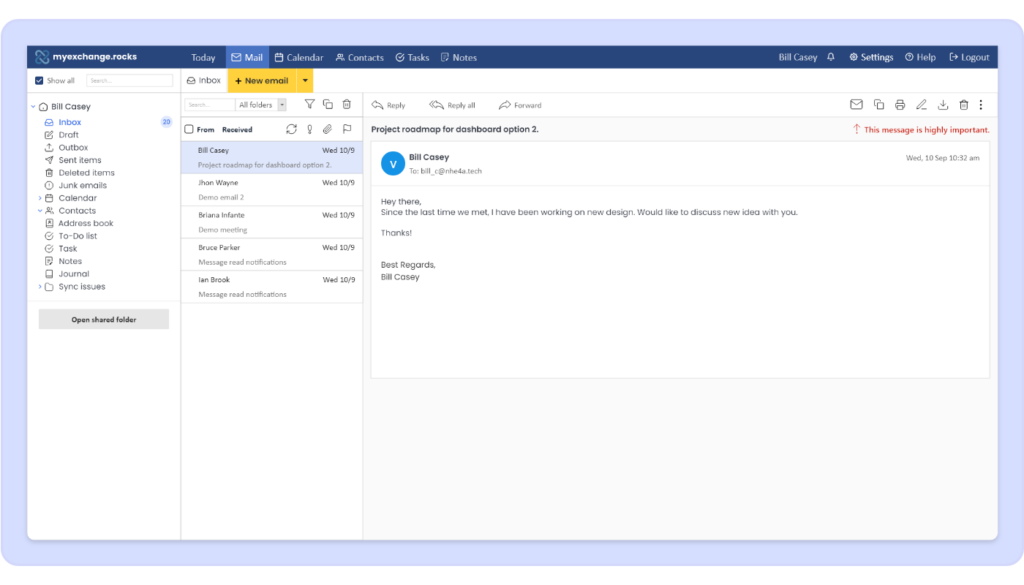
Hosted email for small businesses. Connect to Outlook and go.

100% Native Outlook Compatibility
myexchange.rocks is a drop-in replacement for Hosted Exchange. Just install Outlook and Outlook thinks it’s connecting to Hosted Exchange with no issues.

No Additional Software to Install
Most Exchange hosters require you to install complex client-side software to connect to Outlook, resulting in technical problems without full compatibility.

Sign Up Fast, Pay Monthly, Cancel Anytime
Unlike other hosters, myexchange.rocks doesn’t lock you into an annual subscription or require extra purchases to get started. Just sign up and go.

Keep Your Data Close and Secure
Host your data in the EU where it’s protected by strict EU privacy laws. Plus no data mining, content checks or cross app marketing.
SERVICES WE OFFER
Our services
Hello there, we are leading hosting company based in Europe, below is the considerations which can help you
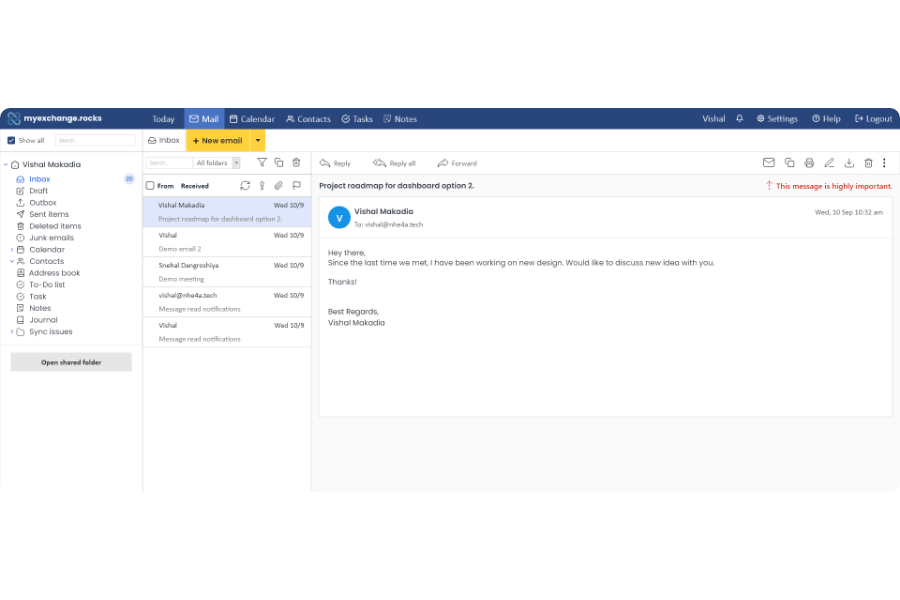
Email Management
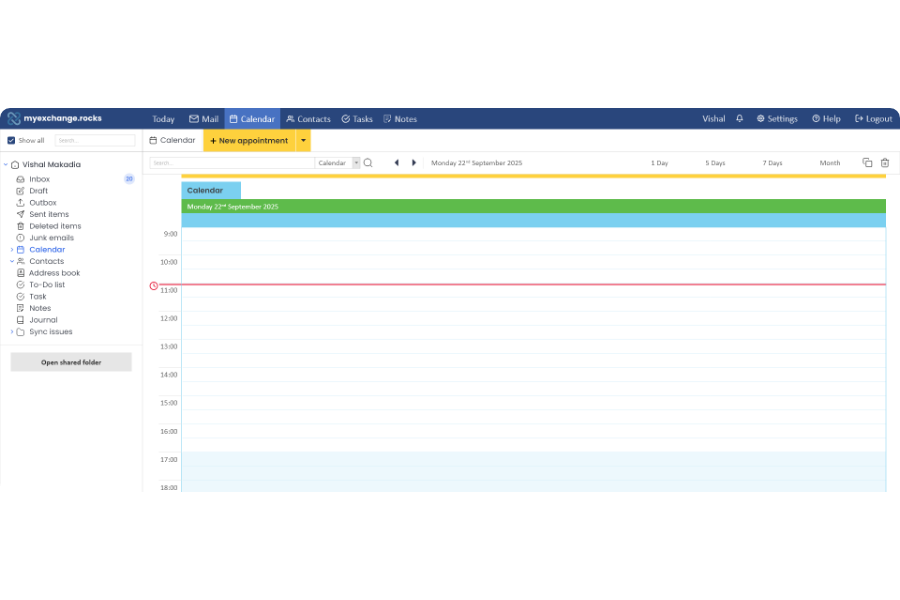
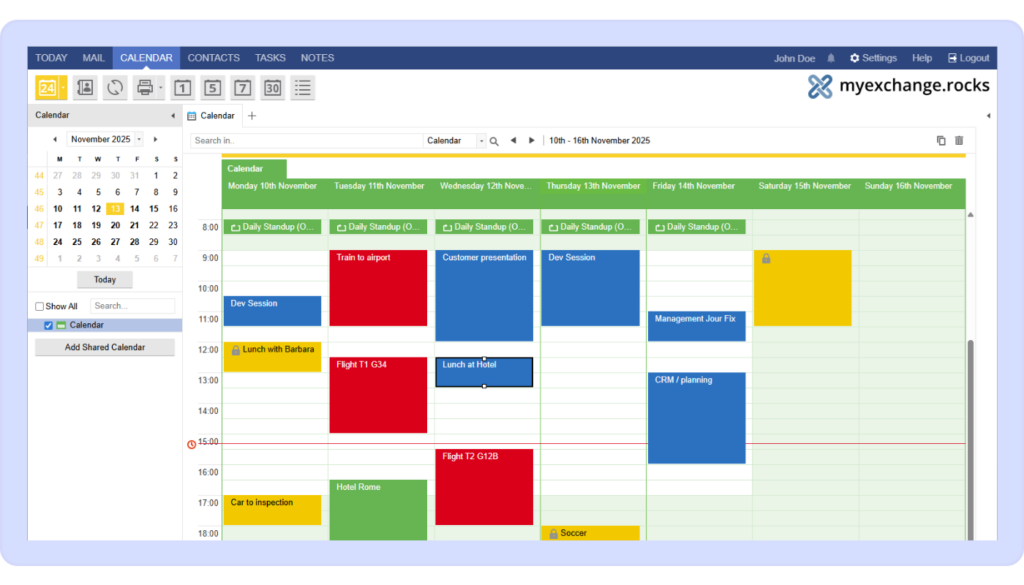
Calendar Management
- Schedule & manage events & tasks
- Capture events directly from email
- Share calendars
- Create groups & manage timetables
- Manage multiple calendars from one place
- Manage other people’s calendars
- Subscribe to web calendars
- Access calendars remotely
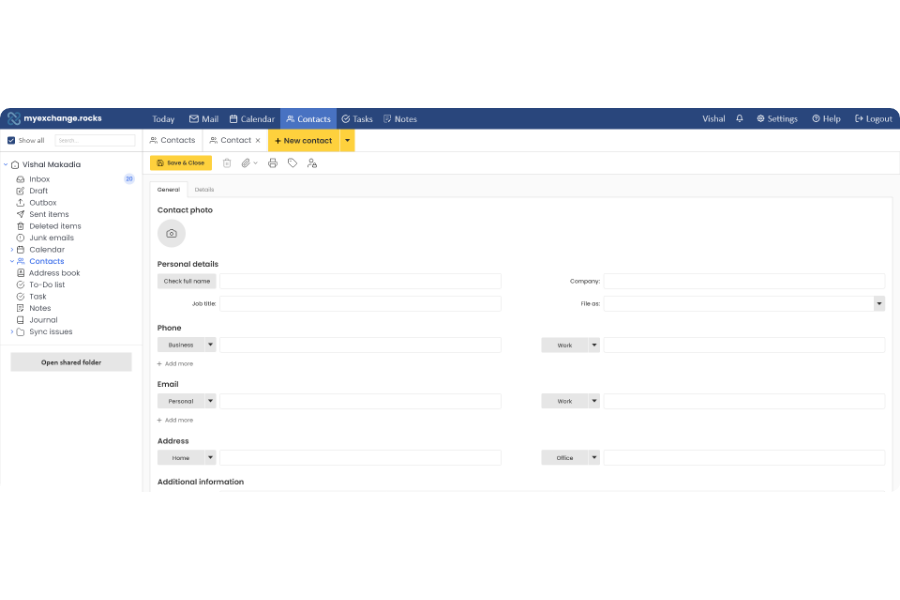
Contacts Management
- Collect & save contacts in one place
- Share contacts
- Sync contacts
- Export contacts
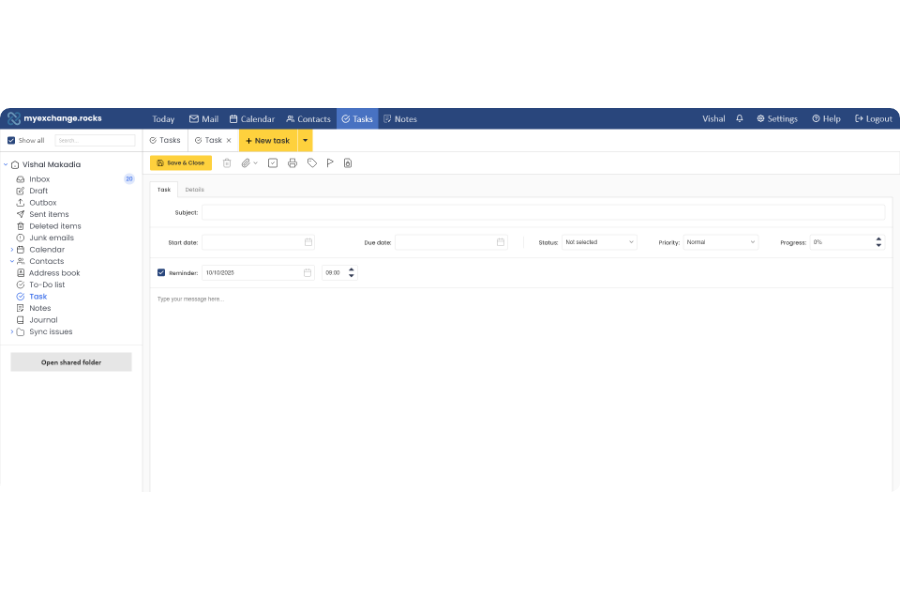
Tasks Management
- Create, schedule & manage tasks
- Flag tasks
- Set task status
- Set reminders
FEATURES INCLUDED
Features
Why choose myexchange.
| Features | myexchange.rocks |
|---|---|
| Price | €2.99 / month / user |
| Data Location | Guaranteed EU |
| Mailbox Storage | 50 GB |
| Data Protection Guarantee |  |
| Effecient Desktop Resource Usage | |
| 80% Less Power Usage in Data Center | |
| LINUX Secure Server Backend | |
| Highly Scalable LINUX Server Backend | |
| Native Outlook Integration | |
| IMAP Compatible | |
| Email, Calendar & Contact Sharing | |
| Webmail & Web Calendar | |
| Mobile ActiveSync Compatible | |
| Own domain & sub-domain | |
| Anti-malware and Anti-spam Filter | |
| Responsive Admin Center | |
| Data-loss Prevention | |
| Automatic Patching | |
| Access from Anywhere | |
| Support | |
| Guaranteed Uptime | 99.9% |
GET STARTED
How to get started?
Get started with myexchange.rocks in four easy steps
01
Buy a subscription
myexchange.rocks is a drop-in replacement for Hosted Exchange. Just install Outlook and Outlook thinks it’s connecting to Hosted Exchange with no issues.
02
Connect a domain
You can connect your own domain to personalize your email service using the DNS settings provided.
03
Create your user
Add mailboxes and user accounts from your admin area. Everything is synced instantly.
04
Start using myexchange.rocks
Log in from Outlook, Webmail, iOS, Android, or any ActiveSync compatible client.
HAVE ANY DOUBT?
Frequently asked questions (FAQs)
Find quick answers to your questions about "myexhange.rocks", the purchase process, and how it can boost your organization.
Still have queries ? Contact us!
Still have queries ? Contact us!
What is myexchange.rocks?
+myexchange.rocks offers Hosted Exchange hosted email and calendar under your own domain or under a myexchange.rocks subdomain.
myexchange.rocks connects natively to Outlook and ActiveSync.
Does myexchange.rocks work with Outlook?
+Yes. Just purchase a subscription, set up your domain and set up Outlook. For more information, read our Documentation.
How do I get started with myexchange.rocks?
+Select the number of users you want to purchase, then register, verify your email and complete the checkout process.
I’ve registered, where’s my email?
+To set up an email user, you need to purchase a subscription. Just click Purchase a Subscription and follow the purchase process.
I’ve logged in but can’t access my account?
+Please be sure to register first and activate your account by verifying your email, then you’ll be able to access your account.
What do I do once I’ve purchased a subscription?
+To manage your domain, you need an active subscription. Once you purchase a subscription, the Manage My Domain and Got To Web App buttons will be
accessible.
I’m in my Account but I don’t see the Manage My Domain button?
+To manage your domain, you need an active subscription. Once you purchase a subscription, the Manage My Domain and Got To Web App buttons will be
accessible.
Do you have a user manual?
+For detailed instructions on how to set up and manage your domain, set up users and use the web app, please read our Documentation.